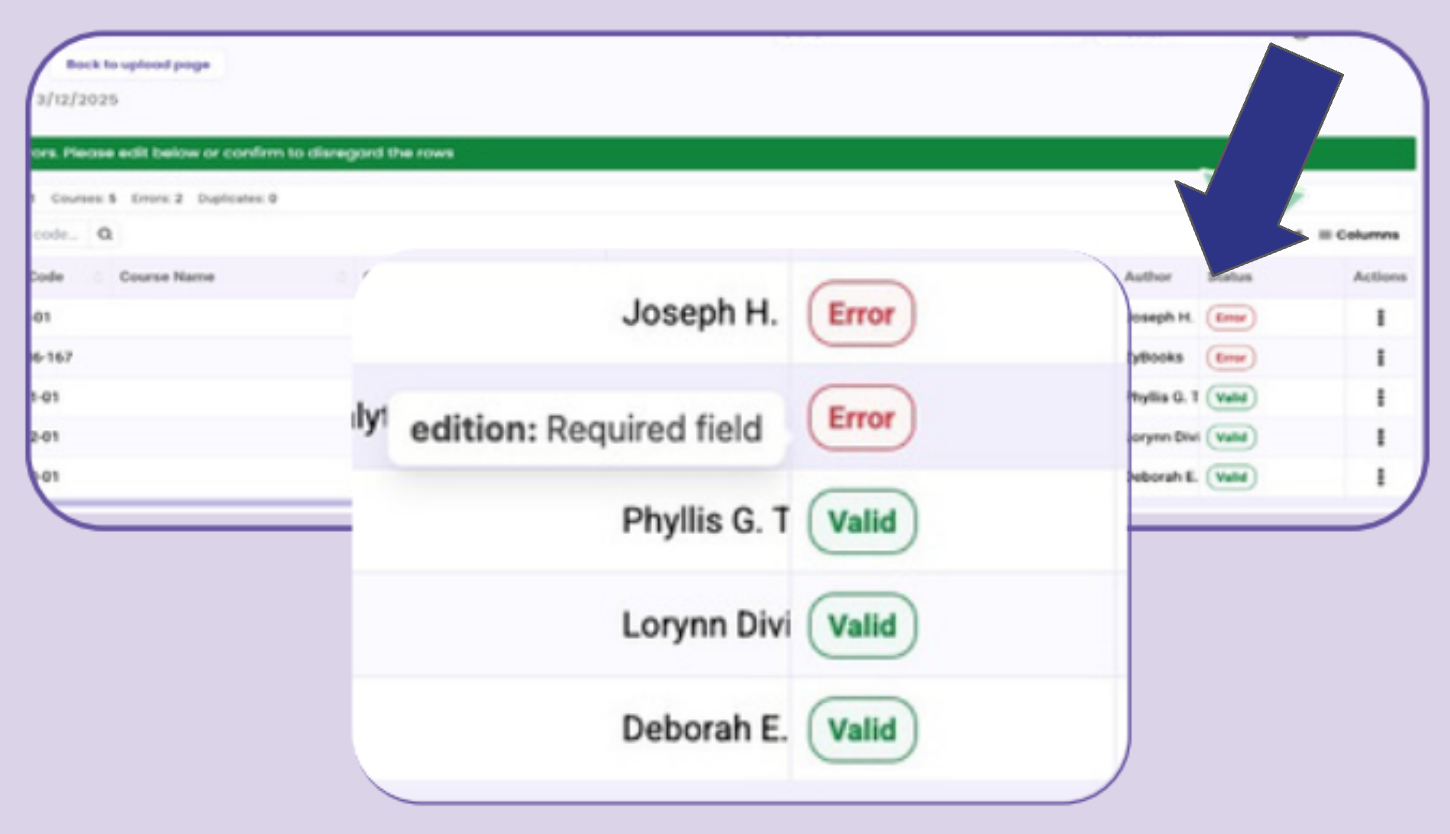
 Screenshot: how to identify errors after the bulk adoption submission
Before You Start
- Have already submitted at least one adoption (bulk or single).
- Know which course/CRN you’re fixing.
Step-by-step Instructions
- Watch the Course page status; new requests populate immediately after submission.
- Look for a red "Error" alert next to any flagged request.
- Hover over the alert to see what needs correcting.
- Click the three dots, then "Edit," to make the fix.
- Click "Save" to submit the changes.

Comments
0 comments
Please sign in to leave a comment.